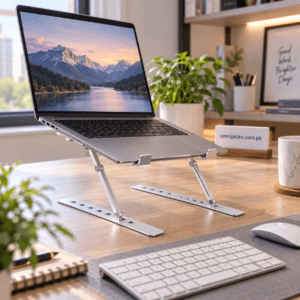
3-in-1 Triflex Stand for Laptop and Phone Viewing on the Go
₨ 1,799
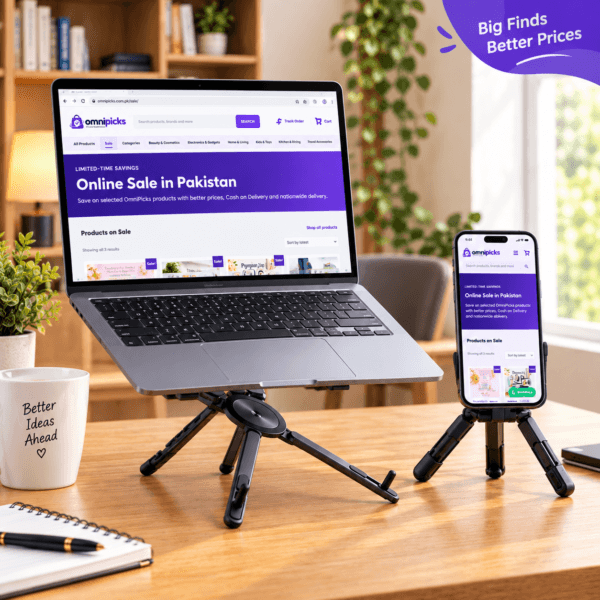
The 3-in-1 Triflex stand is a practical accessory for laptop and phone viewing on a stable surface. Product images show tripod-style stand setups that give a device its own place on a desk, table, study area or temporary workspace. Use it to create a more organised everyday screen setup at home or while travelling, then remove the device before moving the stand. Check the size and condition of your own device before use, keep cables clear and position the stand away from edges. Review the product images and your device needs before ordering.
3-in-1 Triflex Stand for Laptop and Phone Viewing
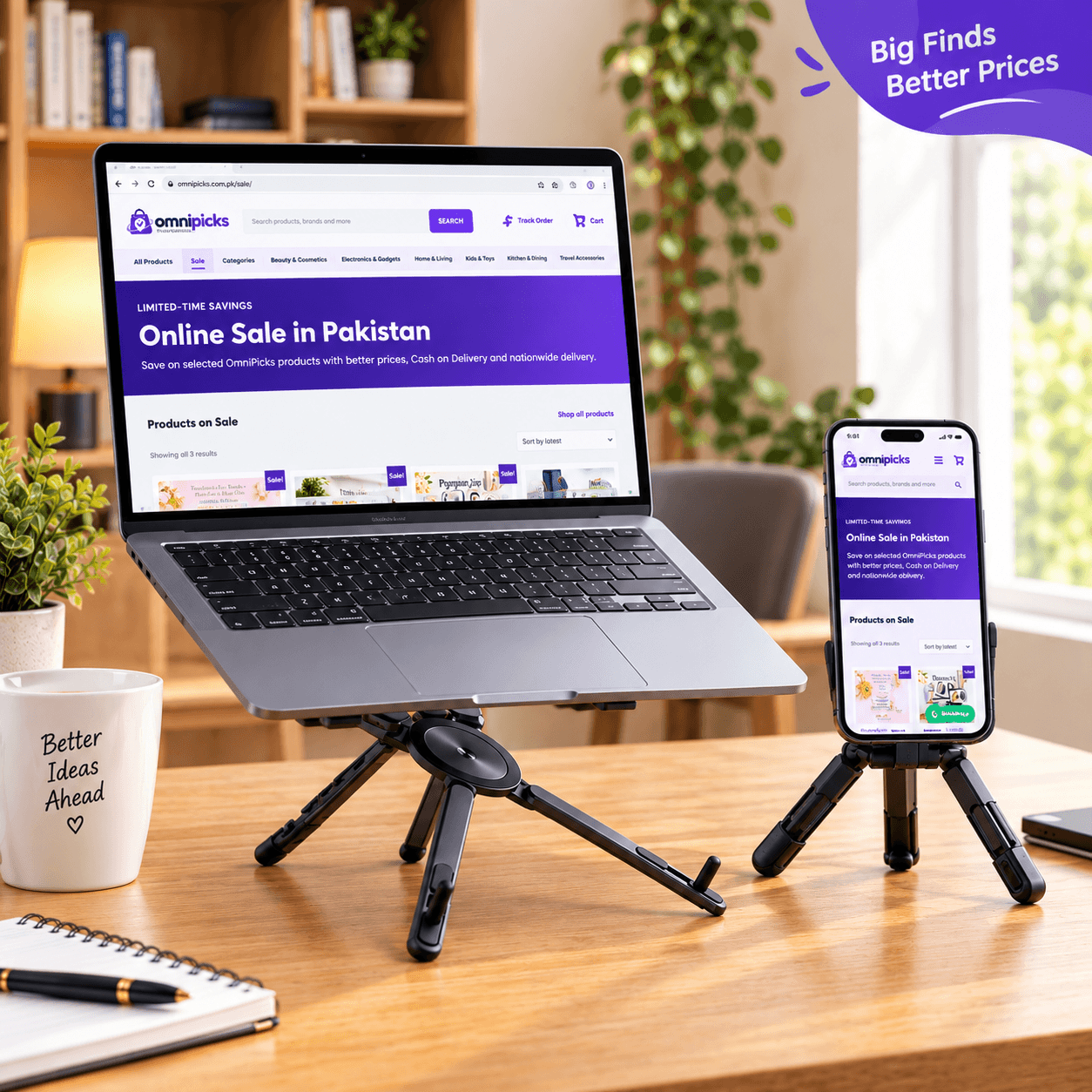
The 3-in-1 Triflex stand is a practical desk and travel accessory for setting up a laptop or phone at a more deliberate viewing position. The product images show it supporting a laptop and a smartphone in separate example setups, with tripod-style legs resting on a flat surface. Its flexible stand format is useful when you want to give a device its own place on a desk, table or other stable area. Use the 3-in-1 Triflex stand as part of an everyday workspace, a study setup or a temporary viewing area while away from home.
A Flexible Stand for Everyday Viewing
A stand can help keep a device in a consistent position while you read, watch, work or follow along with information on screen. The 3-in-1 Triflex stand is shown with a laptop and phone in the product images, making it relevant for everyday device viewing where a stable surface is available. Its tripod-style base is a visible part of the design and helps create a freestanding setup rather than relying on a wall or separate desk fixture.
- 3-in-1 Triflex stand format for flexible everyday setups
- Product images show laptop and phone viewing uses
- Tripod-style legs for placement on a flat, stable surface
- Useful at a desk, table, study area or temporary workspace
- Suitable for home, work and travel routines when used carefully
Useful for Desks, Tables and Travel
Place the stand on a level surface before positioning your device. It can be useful when you want to keep a screen visible during a task, free up a little working space around the device or make a temporary setup feel more organised. At home, it can be part of a desk or study area. Away from home, it can be packed with your other accessories when you need a convenient stand for a stable table or desk. The right use always depends on the device and the surface available to you.
The product images show a laptop resting on one example stand setup and a phone in another example setup. Check the size, shape and condition of your own device before use. Do not assume suitability for a device simply because it is similar to one shown; position it carefully and make sure it remains secure before leaving it unattended.
Explore related items in our Electronics & Gadgets collection, browse Travel Accessories, or visit the full OmniPicks Products page.
For general workstation guidance, review OSHA’s monitor-positioning guidance and adjust your personal workspace to your own comfort and needs.
How to Use the Stand
- Choose a clean, firm and level surface for the stand.
- Set the legs in a stable position before placing a device on it.
- Place the laptop or phone carefully and check that it is supported securely.
- Adjust your workspace around the device so cables and nearby items do not pull against it.
- Keep the setup away from edges, crowded areas and places where it may be knocked.
- Remove the device before moving the stand to a different location.
- Fold or store the stand only after it is clear of devices and accessories.
Compatibility and Care Considerations
This listing does not confirm exact dimensions, device-size limits, weight limits or compatibility specifications. Review the product images and compare them with your intended device before ordering. Always test the placement gently on a secure surface before relying on the stand during a task. Keep the stand clean and dry, and avoid using it if any part appears damaged, loose or unstable. Do not place it close to heat, moisture or an edge where a device could fall. Take care with cables, especially when a device is charging or connected to other equipment.
Who the 3-in-1 Triflex Stand Is Suitable For
This stand is suited to people who want a portable, freestanding way to position a laptop or phone during everyday screen-based activities. It can suit a home office, student desk, kitchen table or temporary work area, provided there is a suitable stable surface. It is also useful for travellers who prefer to carry selected device accessories and set up a screen at their destination. The product is best for shoppers who value the visible tripod-style design and will check their own device needs before use. No unconfirmed device support, package contents or performance specifications are assumed.
3-in-1 Triflex Stand for Laptop and Phone Viewing on the Go for Shoppers in Pakistan
For customers in Pakistan, the 3-in-1 Triflex Stand for Laptop and Phone Viewing on the Go is a practical choice for home, office, study and travel routines. Review the product details above to confirm it suits your needs, then order online from OmniPicks with delivery options available across Pakistan.
No reviews yet. Be the first verified buyer to share your experience.
Leave a verified review
Only customers with a completed order for this product can submit a review. Your review will be checked before it is published.
Related products
-

RAF Electric Stove – Double Burner Countertop Cooker
₨ 2,699New arrivalAdd to cart -
Aluminum Laptop Stand with 6 Adjustable Viewing Angles
₨ 999New arrivalAdd to cart -
Sale!
2-in-1 Car Charger and Foldable Phone Holder Combo
Original price was: ₨ 1,288.₨ 1,099Current price is: ₨ 1,099.New arrivalAdd to cart -
Phone Pouch for Water Protection with Secure Top Closure
₨ 199New arrivalAdd to cart