8.5 Inch LCD Writing Tablet For Kids – Digital Drawing Pad
₨ 429
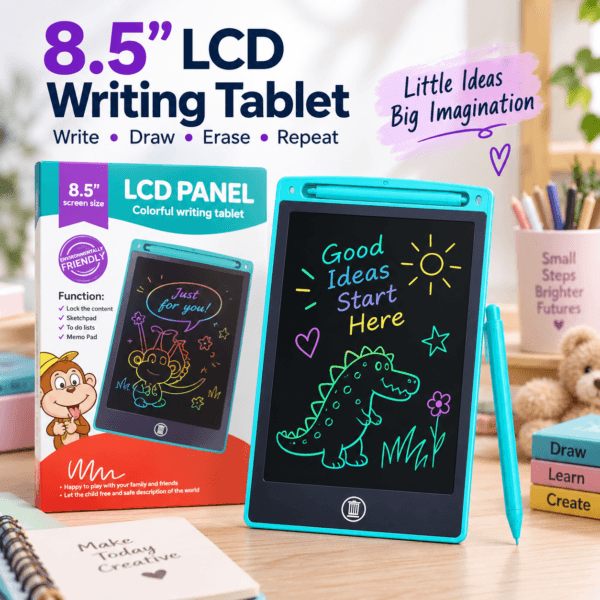
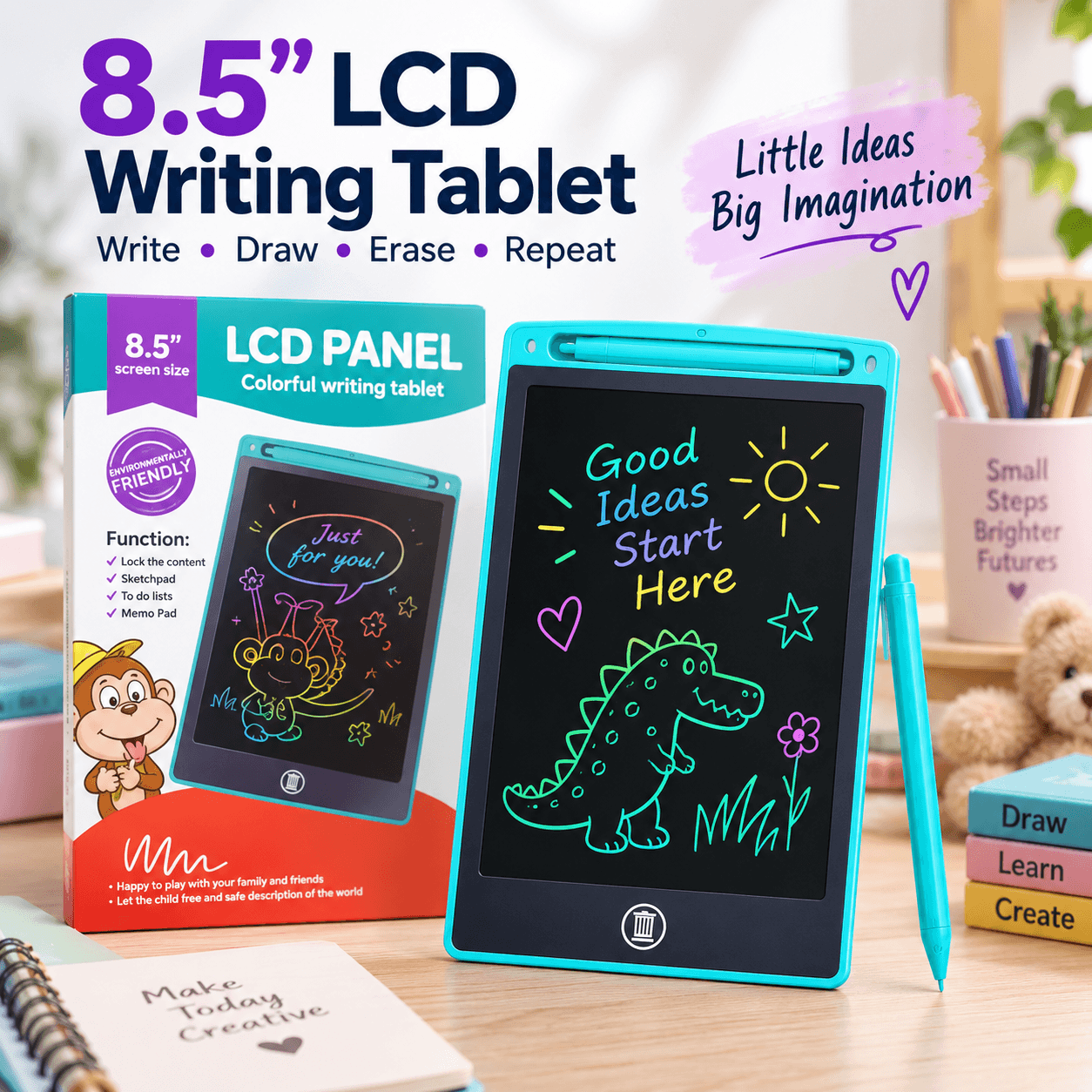
Give everyday drawing and writing a dedicated space with this 8.5-inch LCD writing tablet for kids. The digital drawing pad has a stylus and an erase button, making it useful for sketches, letter practice, simple sums and short reminders. Children can try an idea, clear the screen and begin again, with an adult helping when needed. Keep it nearby for quiet activities at home or pack it for supervised use away from home. Check the product instructions before use and choose activities that match your child’s abilities.
This LCD writing tablet for kids gives drawings, letters and little ideas a place of their own. The 8.5-inch digital drawing pad is designed for writing and sketching with a stylus, then clearing the screen to begin another activity. It is a practical addition to a home activity corner, a study desk or a bag packed for time away from home.
Rather than planning a complicated task, start with something familiar: a favourite animal, a name or a few shapes. The reusable writing surface makes it easy to move from one idea to the next. Adults can join in by drawing a starting point or suggesting a simple challenge.
LCD Writing Tablet for Kids: Features at a Glance
- 8.5-inch LCD writing screen for drawing and writing activities.
- Stylus for making marks on the drawing surface.
- Erase button to clear the screen before starting again.
- Dedicated stylus storage along the top of the tablet.
- Writing-lock function for keeping the current work on screen until you are ready to clear it.
These features keep the focus on making marks and trying ideas. The tablet can be used as a kids drawing pad for an open-ended sketch or as a writing practice board during a short, adult-led activity. Choose a task that feels manageable and let the child decide what to draw next.
Drawing, Letters and Everyday Practice
Use the LCD writing tablet for kids to explore straight lines, curved lines and basic shapes before moving on to pictures or words. An adult can demonstrate a letter, then invite the child to copy it. For simple number activities, write a small sum or draw objects to count together.
A portable drawing tablet can also make shared games straightforward. Take turns adding parts to a picture, draw an object for someone else to guess, or create a short visual reminder. These are activity suggestions, not promises of a particular learning outcome. Adjust the challenge to the child’s interest and comfort.
For more ways to plan shared activities, explore Cleveland Clinic’s ideas for playful learning during school breaks. Choose suggestions that suit your child’s stage and adapt them to the drawing and writing activities you enjoy together.
How to Use the Drawing Pad
- Read the instructions supplied with the product before the first use.
- Place the tablet on a stable surface and remove the stylus from its holder.
- Write or draw gently with the stylus without pressing sharply into the screen.
- Use the writing lock when you want to keep the current drawing visible.
- Release the lock before using the erase button to clear the screen.
- Return the stylus to its storage position after the activity.
Before erasing, check whether the child wants to show someone the drawing. Treat the screen as a temporary working space. If you would like a lasting record of a favourite sketch, take a photograph before clearing it rather than relying on the tablet to store the work.
A Place in Your Daily Routine
Keep this digital drawing pad near other supervised activity supplies so it is easy to find. A short drawing session can fit between homework tasks or while waiting at home. When taking it elsewhere, pack it where the screen will not be pressed against sharp objects or bent under heavier belongings.
For families comparing play and activity items, browse Kids & Toys. You can also explore all OmniPicks products to find other everyday essentials. This LCD writing tablet for kids is offered as a simple product, with the current price and availability shown above.
Care and Supervised Use
Handle the screen gently and keep the tablet away from liquids. Wipe the exterior with a soft, dry cloth and avoid abrasive cleaners. Do not use a pen, pencil tip or other sharp object in place of the stylus. Stop using the product if it becomes damaged, and follow the supplied instructions for any battery maintenance.
Adult supervision is important, particularly with younger children. Keep small removable parts out of reach when they are not in use, and do not allow the stylus to be put in the mouth. Store the LCD writing tablet for kids safely after each session, ready for the next drawing or writing activity.
8.5 Inch LCD Writing Tablet For Kids – Digital Drawing Pad for Shoppers in Pakistan
For customers in Pakistan, the 8.5 Inch LCD Writing Tablet For Kids – Digital Drawing Pad is a practical choice for home, office, study and travel routines. Review the product details above to confirm it suits your needs, then order online from OmniPicks with delivery options available across Pakistan.
No reviews yet. Be the first verified buyer to share your experience.
Leave a verified review
Only customers with a completed order for this product can submit a review. Your review will be checked before it is published.
Related products
-

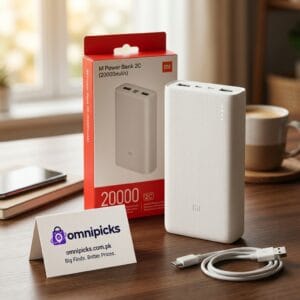
20000mAh 2C Mi Power Bank with Dual USB-A and 18W Charging
₨ 1,299New arrivalAdd to cart -
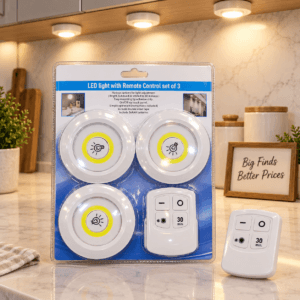
3-Piece LED Tap Light Set with Remote Control and Timer
₨ 1,279New arrivalAdd to cart -
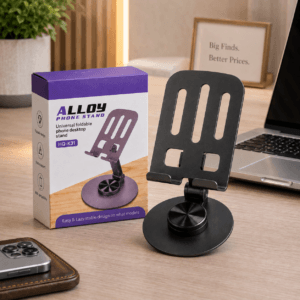
Adjustable Foldable Alloy Phone Stand for Desk and Table
₨ 479New arrivalAdd to cart -
Sale!
Kids Girls 4-Item Accessory Package with Hair Essentials
Original price was: ₨ 799.₨ 679Current price is: ₨ 679.New arrivalAdd to cart